
Customer wishlists
A wishlist is a list of products a customer saves in their account to buy later. You can see each customer's wishlist in Store Manager and add products to it. To see which products are on the most wishlists, use the Wishtlist Report (spelled this way in the menu) under Store Manager → Reports.
View a customer's wishlist
- Go to Store Manager → Customers → Manage Customers.
- Use the search filters to find the customer, if needed.
- Click the customer's name. The customer's edit page opens.
- Click the Wishlist tab. You see the products in the customer's wishlist.
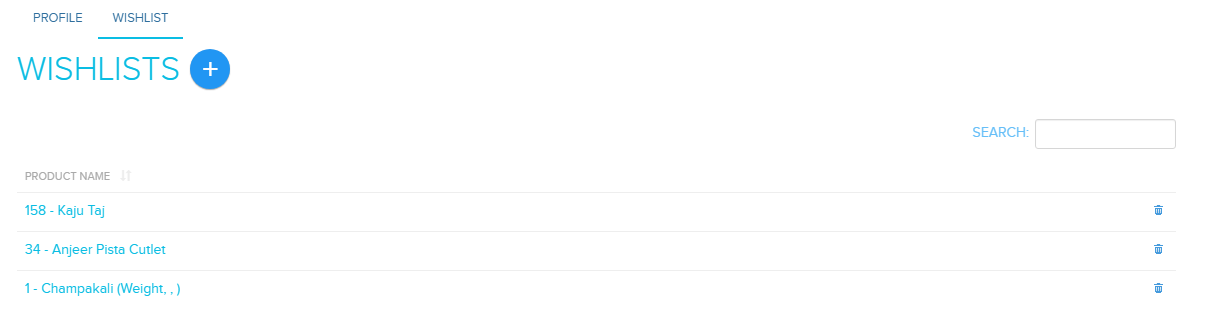
Add a product to a customer's wishlist
- Go to Store Manager → Customers → Manage Customers.
- Click the customer's name.
- Click the Wishlist tab.
- Click Add New Wishlist.
- On the Add customer wishlist page, add the product to the wishlist.

Related articles
Need more help? Email support@shopnix.io or call +91 8880788813.
No comments to display
No comments to display