
Newsletter subscribers
Customers can subscribe to your newsletter to hear about offers, new products and other news from your store. You can see the list of subscribers and add subscribers yourself.
How customers subscribe
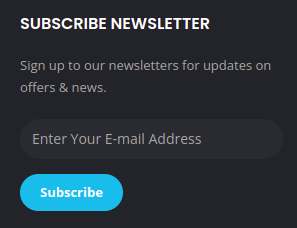
Customers sign up through the newsletter box on your store. This box is a Newsletter Widget, which you can add or move in Store Manager → Setup → Widgets. See Widgets. Customers enter their email address there to subscribe.
View your subscribers
- Go to Store Manager → Customers → Newsletter Subscribers.
- You see a list of everyone who has subscribed, with the Subscriber, Email Id and Created Date.
- To remove a subscriber, click the delete icon on their row.
Add a subscriber
- Go to Store Manager → Customers → Newsletter Subscribers.
- Click Add New Subscriber.
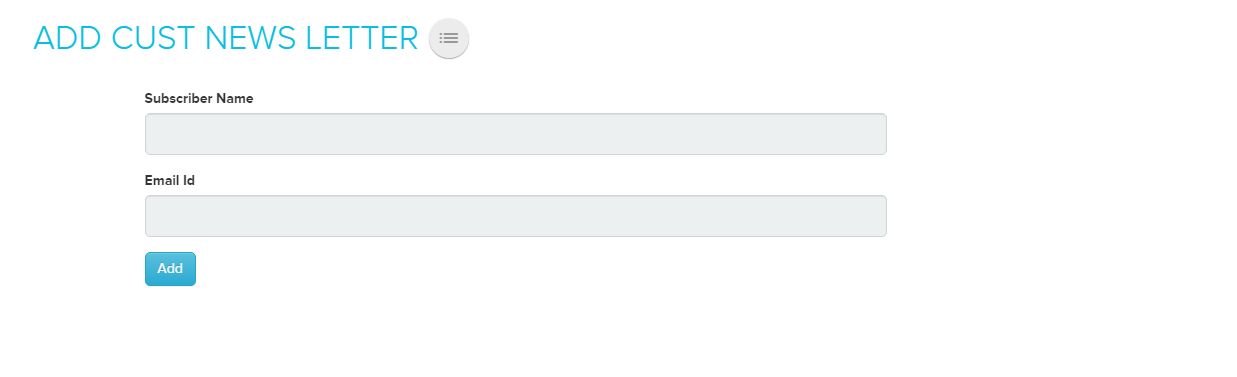
- On the Add Customer Newsletter page, enter the name and email address.
- Click Add.
Related articles
Need more help? Email support@shopnix.io or call +91 8880788813.
No comments to display
No comments to display