Tell buyers when their size is back in stock
The 20-second version: Let sold-out product pages collect subscribers, switch on the back-in-stock WhatsApp template, and send the product link to anyone who asks in a DM. When stock returns, they get an email, and a WhatsApp message if the template is on.
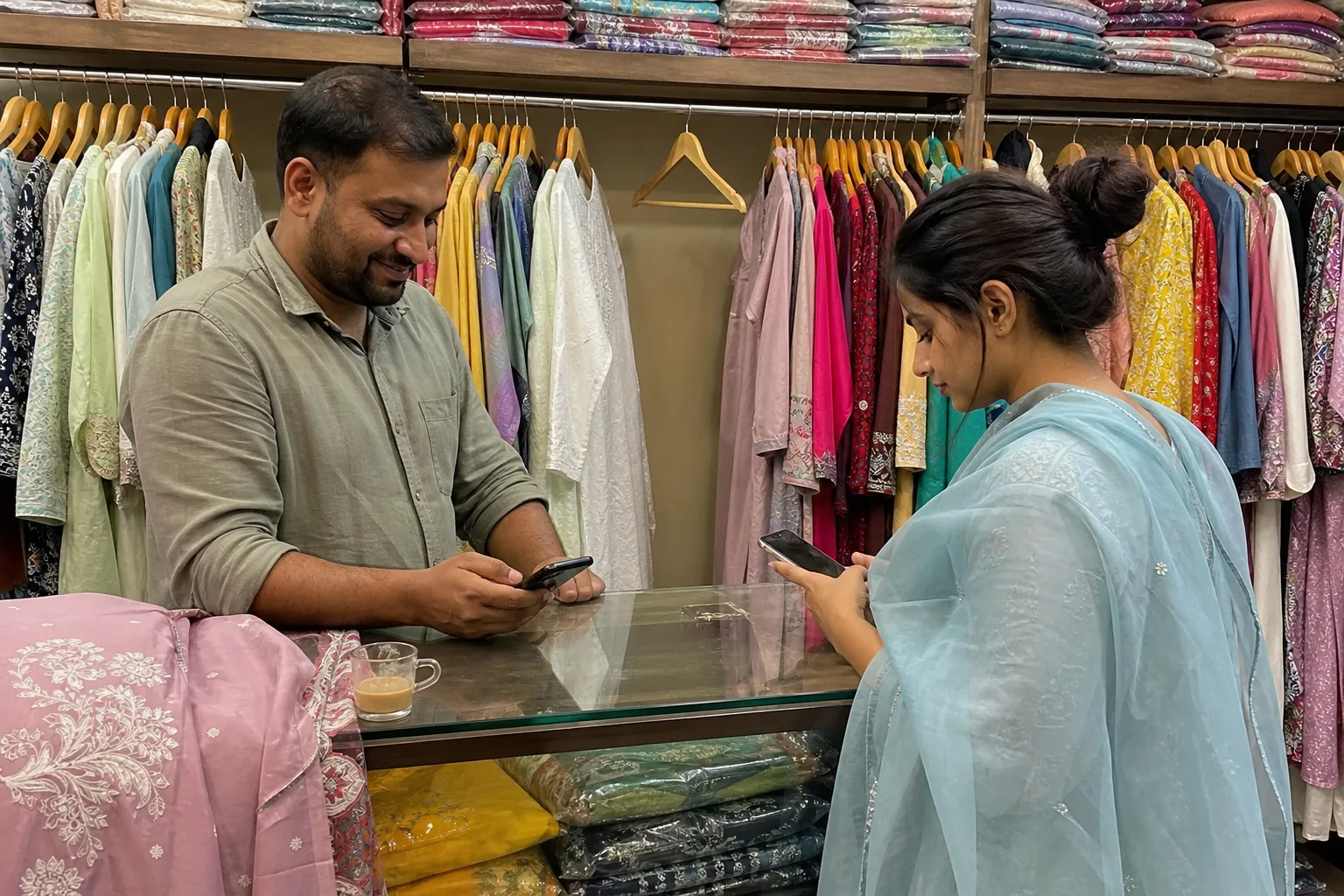
Picture this. A kurta set store after the Diwali rush, and the M size is gone. A buyer shopping for her cousin's wedding writes, 'When will M be back?' The owner types 'soon' with great confidence and goes back to packing parcels.
Three weeks later the M size is back. Nobody tells her. By then she has bought from another store, politely and without hard feelings. Let's give this little story a better ending.
Soon, and then silence
Here is why the buyer drifts away. 'Soon' gives her nothing to hold. She cannot set a reminder on it, and you cannot remember forty such promises while parcels are leaving the door.
Wedding shopping has a date, so she keeps looking. The other store has her size, so she moves on. Nobody did anything wrong. The message simply had nowhere to be saved.
The calendar does not help. The India festival calendar puts Diwali on 8 November and wedding season from 20 November. Popular sizes empty just before the bigger orders arrive.
Let the sold-out page keep the list
On a sold-out product page, buyers can subscribe. That is the whole trick. When stock returns, they get an email, and a WhatsApp message if the back-in-stock template is switched on.
Each size keeps its own stock. Sell a kurta in 4 sizes, and when M runs out, only M shows as out of stock while the other three stay open to buy. Sizes are set up in Add product variants.
A fair warning, so nobody is disappointed. The message goes only to people who subscribed. It does not hold stock for them and it does not promise a sale. Think of it as a doorbell, not a reservation.
When she asks in a DM, send the link
Most buyers will not visit the product page just to ask. They write to you on WhatsApp or Instagram. The most common wrong move is the cheerful 'soon' again. Please, no.
Reply with the link to the sold-out product and ask her to tap subscribe there. Now she is on the list, and the restock message reaches her by email or WhatsApp. You are free to chat with the next customer.
One honest limit: she has to subscribe herself, and not everyone will. Keep your reply short and friendly, and the link does the rest.
Reorder before the wedding orders land
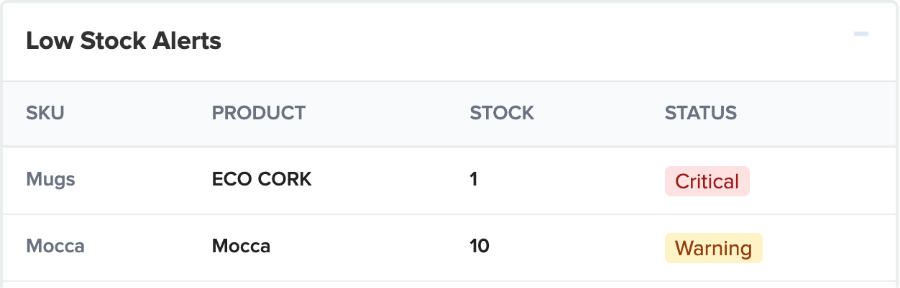
Open the Dashboard and look at Low Stock Alerts, marked Critical or Warning. Then open Reports → Stock Report to see the current stock levels of every product. Both are covered in Track inventory and stock and the Stock report help page.
Economic Times Retail reported on 30 October that D2C sales on GoKwik's network rose 64% year on year in the six days before Karwa Chauth, so reorder your popular sizes with your tailor or supplier early; it is a reason to plan, not a promise of orders.
More on this is on the inventory page. A size that runs out once can run out again, and a subscriber list is only useful if there is stock to send.
Switch it on before lunch
- Go to Setup → Gateways → Whatsapp Gateway and turn on the back in stock template.
- Open a sold-out test product on your store and subscribe with your own email.
- Add stock to that product and watch the message arrive.
- From today, send the product link to every buyer who asks, instead of 'soon'.
If the Whatsapp Gateway menu is missing on your store, write to us and we will check. The clicks for the rest are in Back in stock notifications, and the store's messages are explained on WhatsApp order updates.
Stuck on any step? The people who build Shopnix are in your private WhatsApp support group, just for your store.

Frequently asked questions
Does a back in stock alert hold the size for the buyer?
No. It only tells subscribers that stock is back. Whoever buys first gets the piece.
Does the buyer have to subscribe herself?
Yes, on the sold-out product page. That is why you send the product link when someone asks in a DM.
Where do I see who subscribed?
Under Products → Product Notifications, which lists customers who subscribed on a sold-out product page.
So here is your small homework, Lucknowi style: replace 'soon' with a link. Pick your sold-out sizes today, check the WhatsApp template, and share the product link with every buyer who asks, so they can subscribe before wedding orders start on 20 November. Your buyers will thank you, and so will your tailor.