
Back-in-stock notifications
When a product is out of stock, customers can ask to be emailed when it is back. Shopnix sends the email automatically when you update the stock level.
How it works
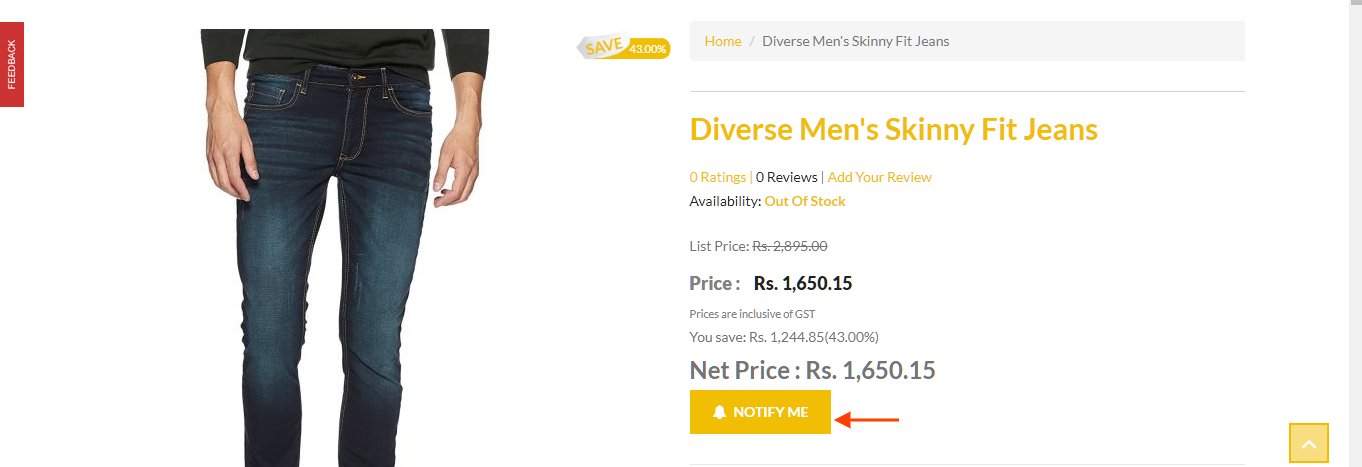
- When a product is out of stock, the Add To Cart button on the product page changes to Notify Me.
- The customer clicks Notify Me and enters their email address.
- When you change the product's stock level in Store Manager, Shopnix emails every customer who asked to be notified. The email tells them the product is back in stock and can be bought now. If the back-in-stock WhatsApp template is turned on, they also get a WhatsApp message.
See who asked to be notified
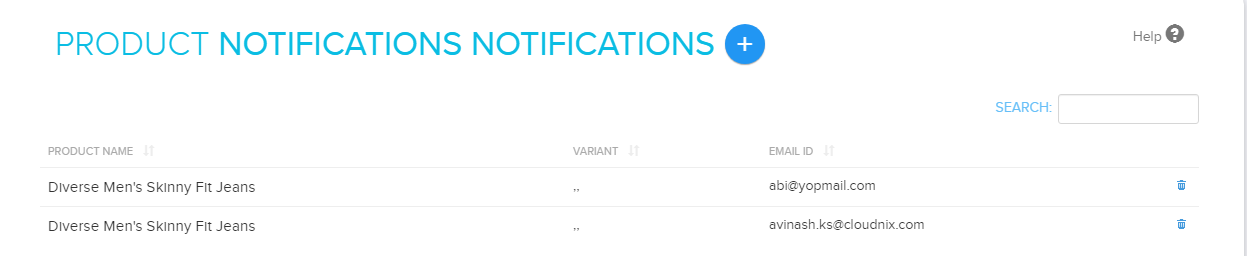
- Go to Store Manager → Products → Product Notifications.
- The list shows every notification request.
Add a notification for a customer
You can add a customer's email address yourself, for example if they asked by phone.
- Go to Store Manager → Products → Product Notifications.
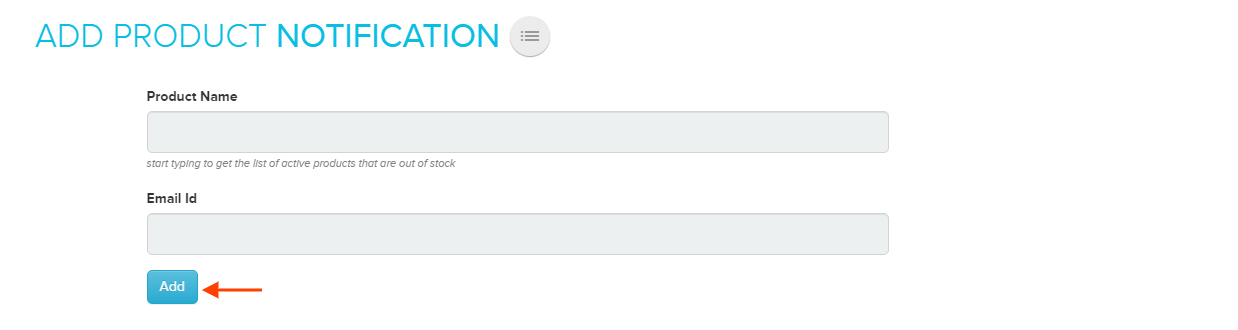
- Click Add New Notification.
- Enter the product name and the customer's email address.
- Click Add.
Related articles
Need more help? Email support@shopnix.io or call +91 8880788813.
No comments to display
No comments to display