
Add live chat to your store
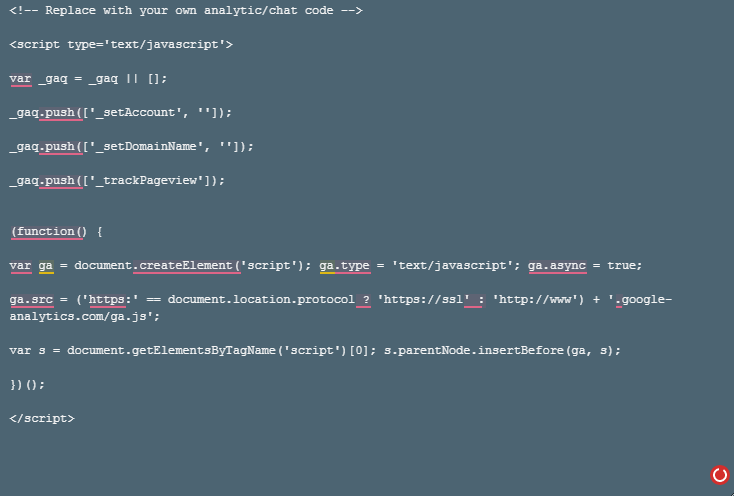
Live chat lets customers send you instant messages from your store and ask questions while they shop. Shopnix doesn't have its own chat tool. Instead, you sign up with a live chat provider and paste its embed code into your store's header.
Before you start
- Sign up with a live chat provider that gives you an embed code for your website. Many providers have a free plan. One example is Zopim, which is now Zendesk Chat.
Add live chat to your store
- Sign in to your live chat provider and copy the embed code for your chat widget.
- Go to Store Manager → Setup → Pages.
- Click header in the Name column. This is a CODE page whose code is added to every page of your store.
- Paste the embed code into the header. Don't delete any code that is already there.
- Click Save.
What happens next
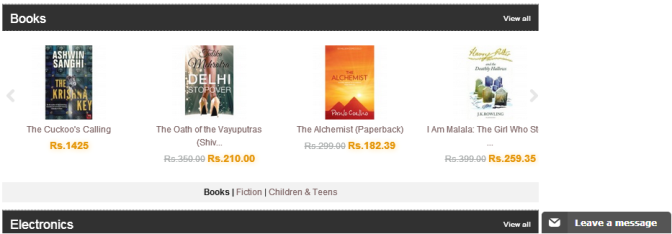
The chat option appears on your store, and customers can start a chat with you.
Related articles
Need more help? Email support@shopnix.io or call +91 8880788813.
No comments to display
No comments to display