
Buy again widget
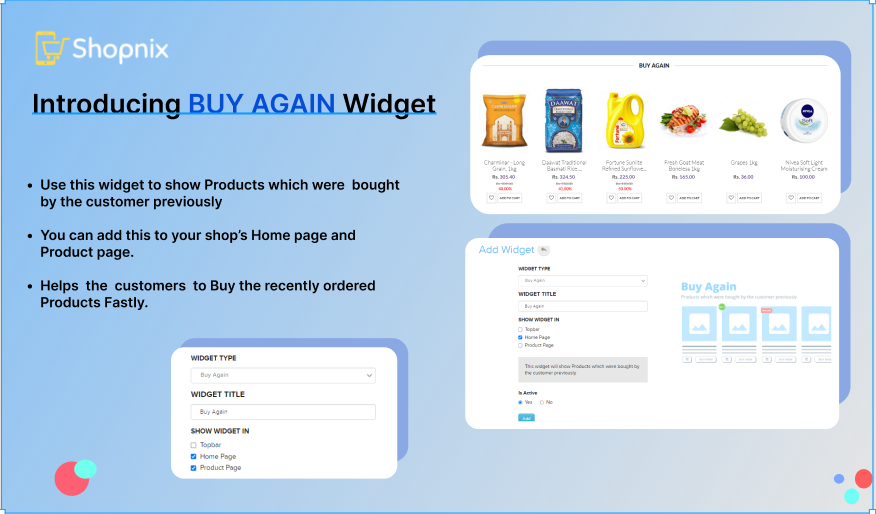
The buy again widget shows customers the products they have bought from your store before. It makes it easy for them to order the same items again.
Turn on the buy again widget
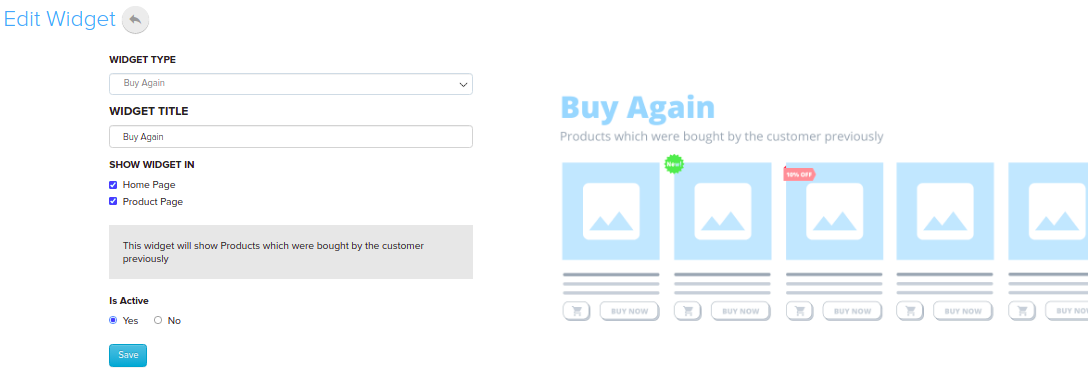
- Go to Store Manager → Setup → Widgets.
- Click the Buy Again widget in the list. If it isn't there, click Add New Widget and choose Buy Again as the widget type.
- Under Show Widget In, tick the pages where the widget should appear, for example Home Page, Product Page or Grid Page Left Navigation.
- Make sure Is Active is turned on, then click Save.
What happens next
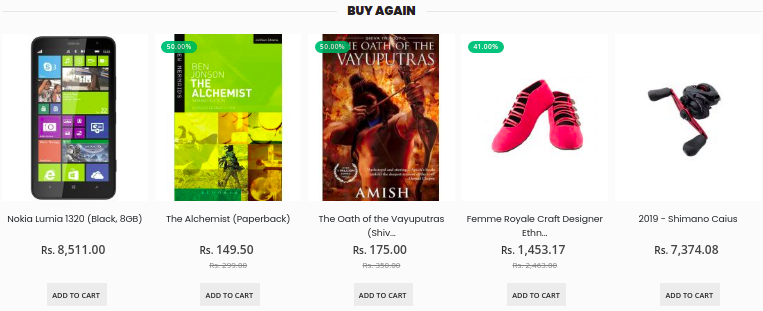
The widget appears on the pages you selected. Each customer sees the products they have bought before, so you don't need to pick them.
Related articles
Need more help? Email support@shopnix.io or call +91 8880788813.
No comments to display
No comments to display