
Upload your logo
Your logo represents your brand and appears on your store. Upload it once and Shopnix applies it automatically.
Before you start
- Have your logo ready as an image file on your computer.
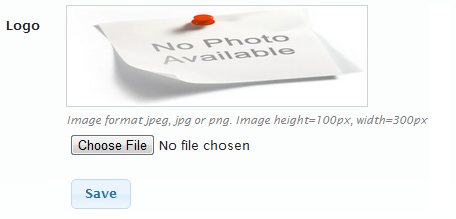
- If you use a standard Shopnix theme, make the logo 300 pixels wide × 100 pixels high. If you have a custom theme, your logo can be any size.
Upload your logo
- Go to Store Manager → Setup → Shop Profile and open the Profile tab.
- In the logo section, click Choose File.
- Select your logo image on your computer.
- Click Save.
The same tab has a Favicon field for the small icon shown in the browser tab.
What happens next
The logo is uploaded and shown on your store straight away.
Related articles
Need more help? Email support@shopnix.io or call +91 8880788813.
No comments to display
No comments to display