
Edit an existing static page
You can change the content of any existing page in your store using the page editor. Add text, format it, and insert images, videos or your own code.
Open a page to edit
- Go to Store Manager → Setup → Pages. A list of your pages opens.
- Click the page you want to change, for example service-bangalore. The page opens in the editor.
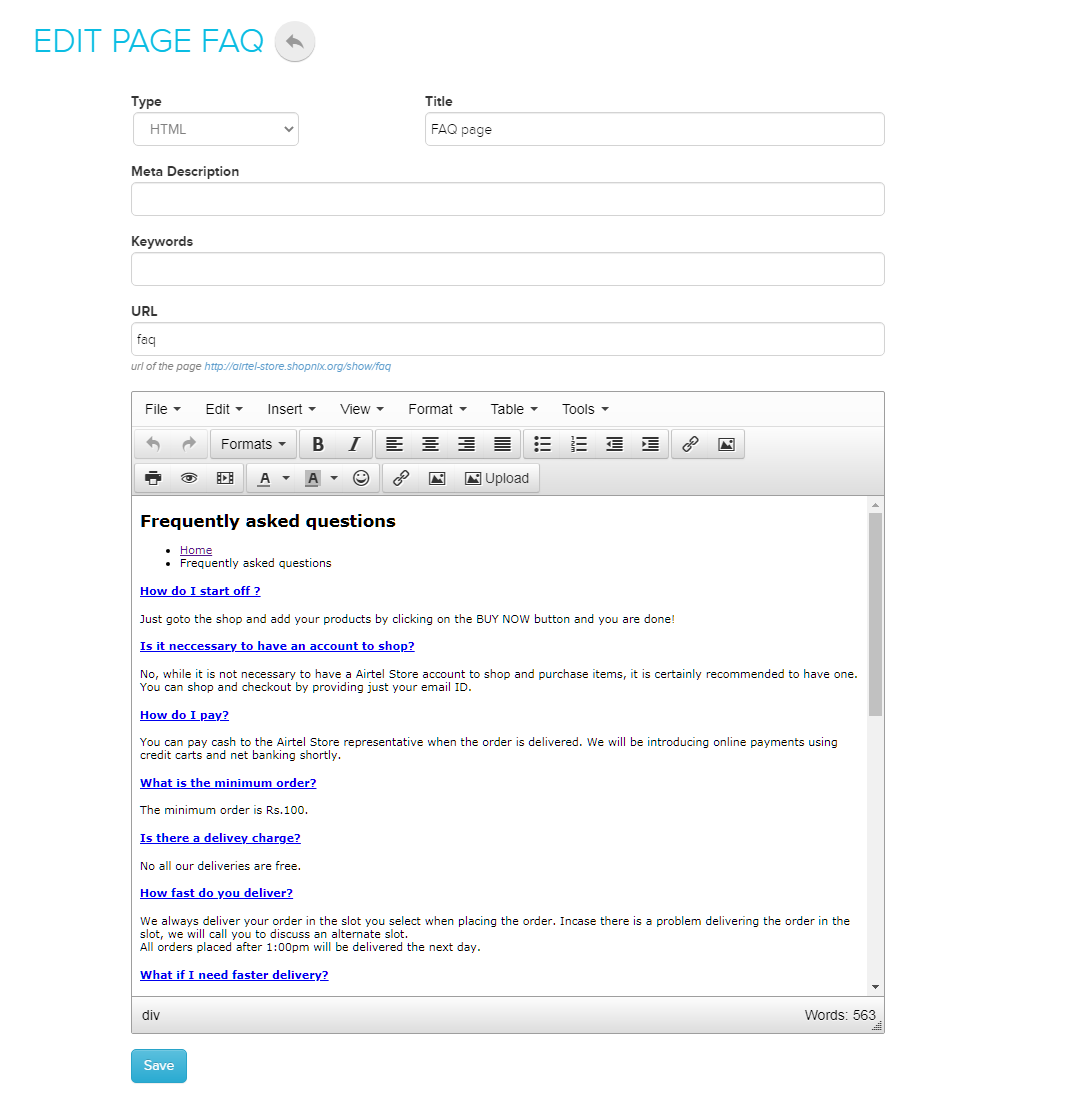
Format text
Use the editor's formatting and alignment tools to style paragraphs and headings.
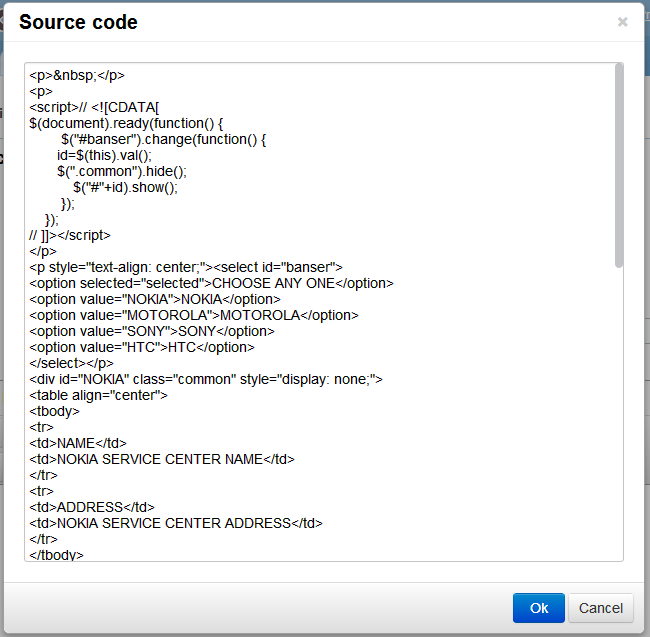
Add or edit code
- In the editor, click Tools → Source code.
- Write or paste your code.
- Confirm, then click Save.
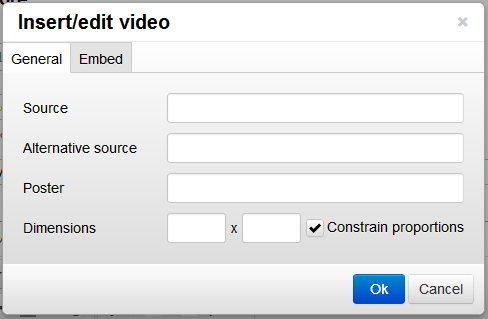
Add a video
- In the editor, open the video option.
- Enter the link to the video, or paste the video's embed code.
- Confirm in the pop-up, then click Save.
Add an image
- In the editor, click the upload image option. A pop-up opens.
- Upload an image from your computer.
- When you finish editing the page, click Save.
You can also edit images that are already on the page.
What happens next
Open the page in your store to check your changes, for example that the video plays.
Related articles
Need more help? Email support@shopnix.io or call +91 8880788813.
No comments to display
No comments to display