
Change your store colours
Your theme colour sets the colour used for parts of your store such as menus, grids and backgrounds. Pick it after you choose your theme.
Change your theme colour
- Choose your theme first. See Choose a theme.
- Go to Store Manager → Setup → Shop Profile and open the Profile tab.
- In Theme Color, pick a colour for your store.
- Click Save.
Example
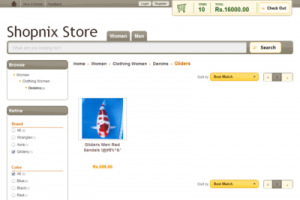
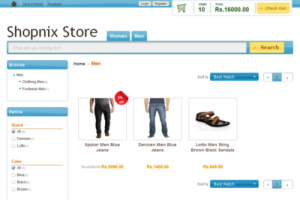
Choose colours that go well with your products. For an organic food store, a cool green scheme works well. For an electronics store, a silver scheme may suit better. Here is the same store with two different colour schemes:
Related articles
Need more help? Email support@shopnix.io or call +91 8880788813.
No comments to display
No comments to display