
Recommended products widget
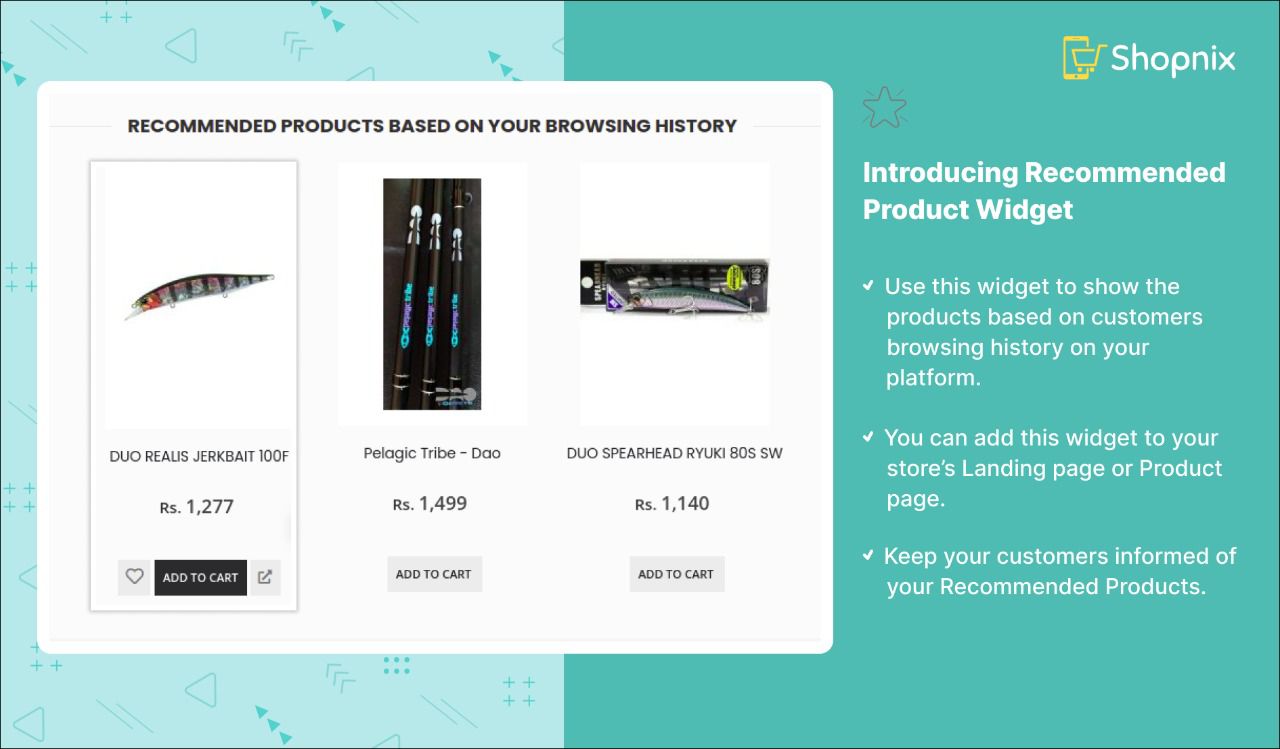
The recommended products widget shows a set of recommended products to customers. Add it to your homepage, product pages or the left navigation of grid pages.
Turn on the recommended products widget
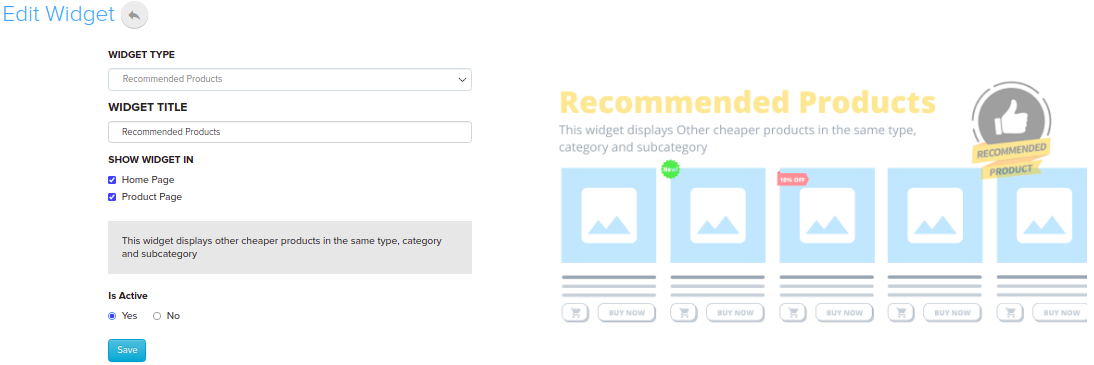
- Go to Store Manager → Setup → Widgets.
- Click the Recommended Products widget in the list. If it isn't there, click Add New Widget and choose Recommended Products as the widget type.
- Under Show Widget In, tick the pages where the widget should appear, for example Home Page, Product Page or Grid Page Left Navigation.
- Make sure Is Active is turned on, then click Save.
What happens next
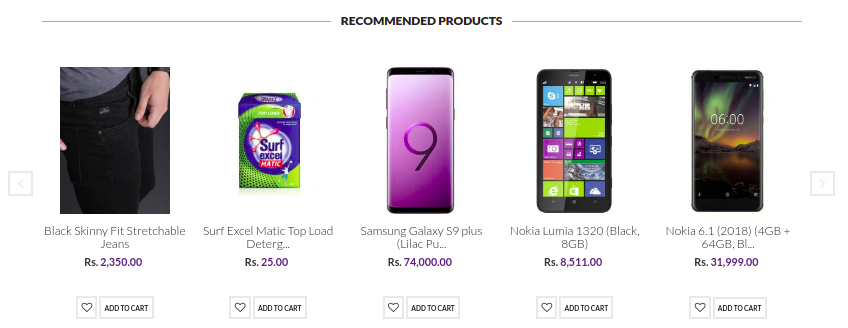
The widget appears on the pages you selected.
Related articles
Need more help? Email support@shopnix.io or call +91 8880788813.
No comments to display
No comments to display