SCALE · CUSTOMISATION
Make it look like your brand. Not like a template.
Start from a theme, then change everything: colours, fonts, banners, sections, menus and pages. Go further with your own HTML, CSS and JavaScript. Or tell our team what you want, and we do it for you.
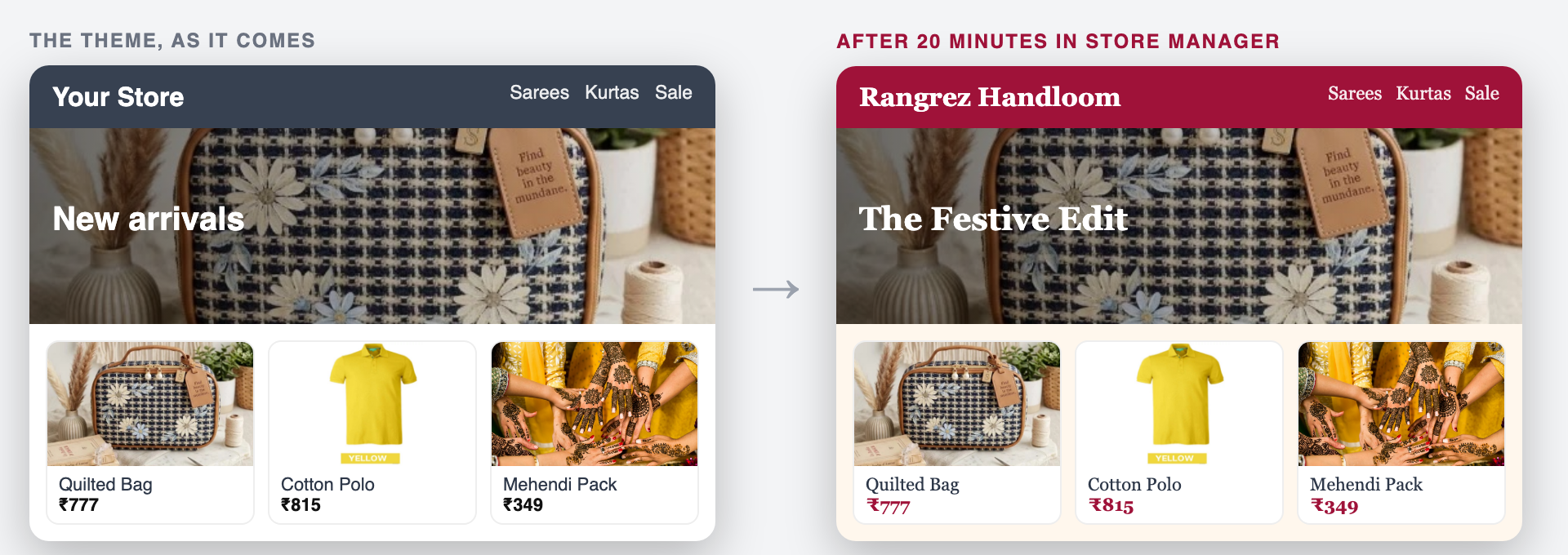
AS FAR AS YOU WANT TO GO
Five levels of making it yours
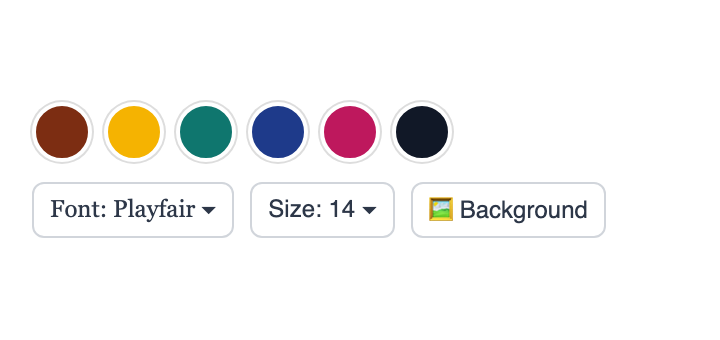
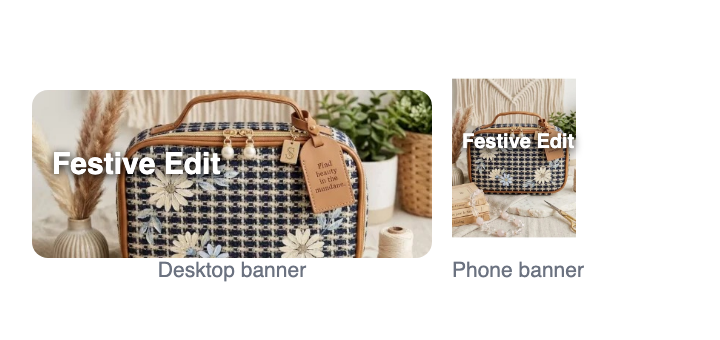
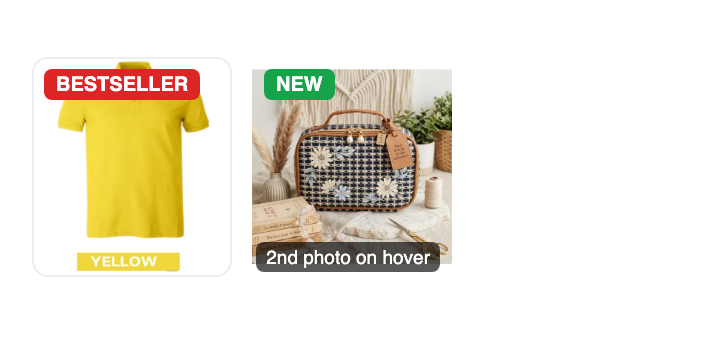
LEVEL 2 · THE LOOK
Your colours, your font, your banners
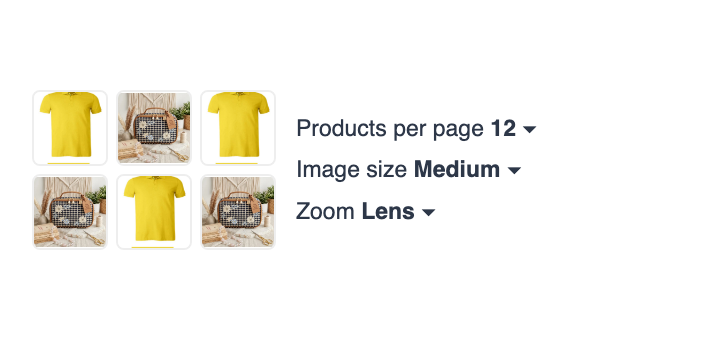
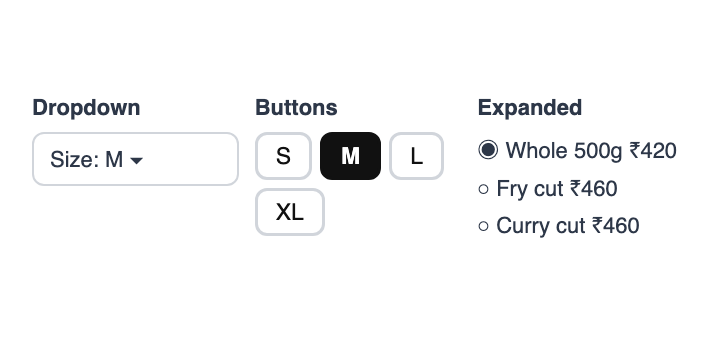

LEVEL 3 · ARRANGE THE STORE
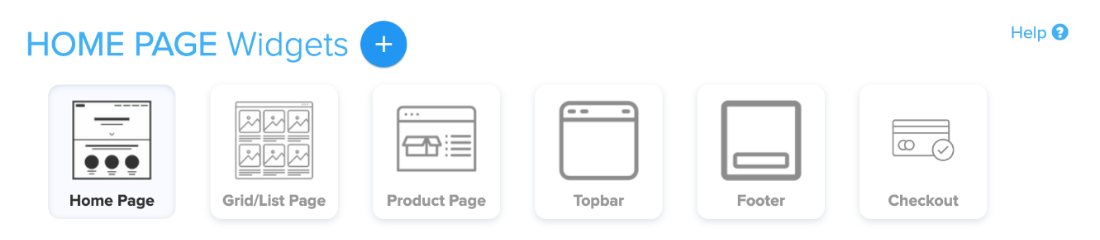
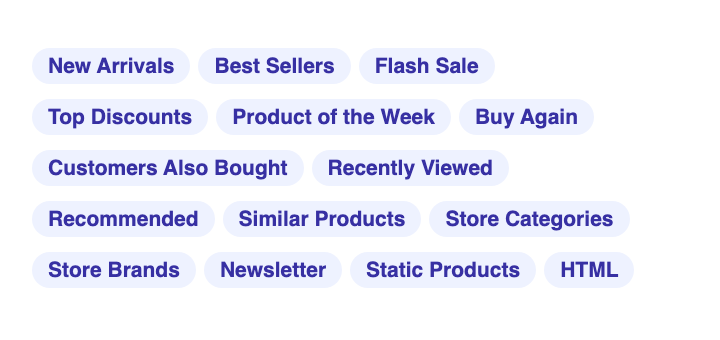
15 widgets, placed where you want
New arrivals, flash sale with a countdown, best sellers, product of the week, brands, newsletter and more. Put them on the home page, category pages, product pages, the top bar, footer or checkout, and drag them into order.
- Top menu or a side menu, with your own links
- As many pages as you need: About, Size guide, Store locator
- Your logo, favicon and social links
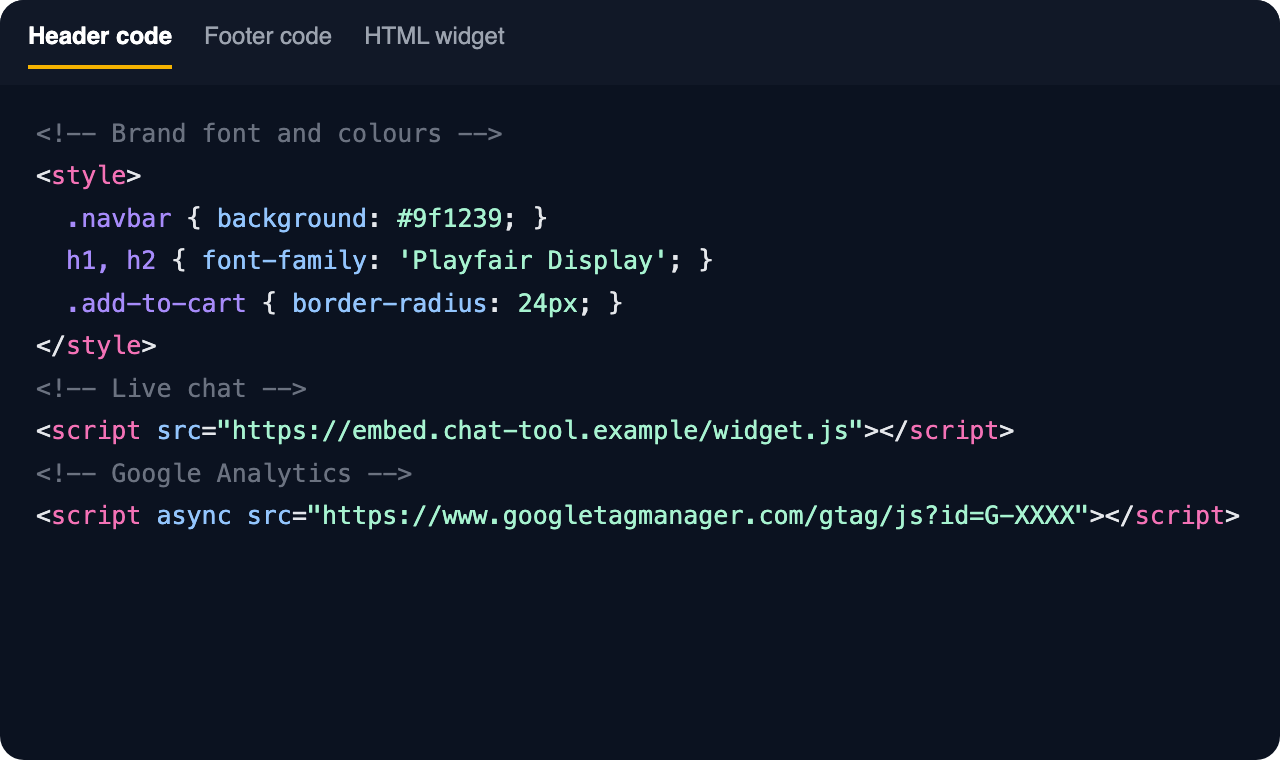
LEVEL 4 · YOUR OWN CODE
For when settings aren't enough
Know a little HTML, or have a web designer? Shopnix doesn't lock you in.
CHANGE YOUR MIND
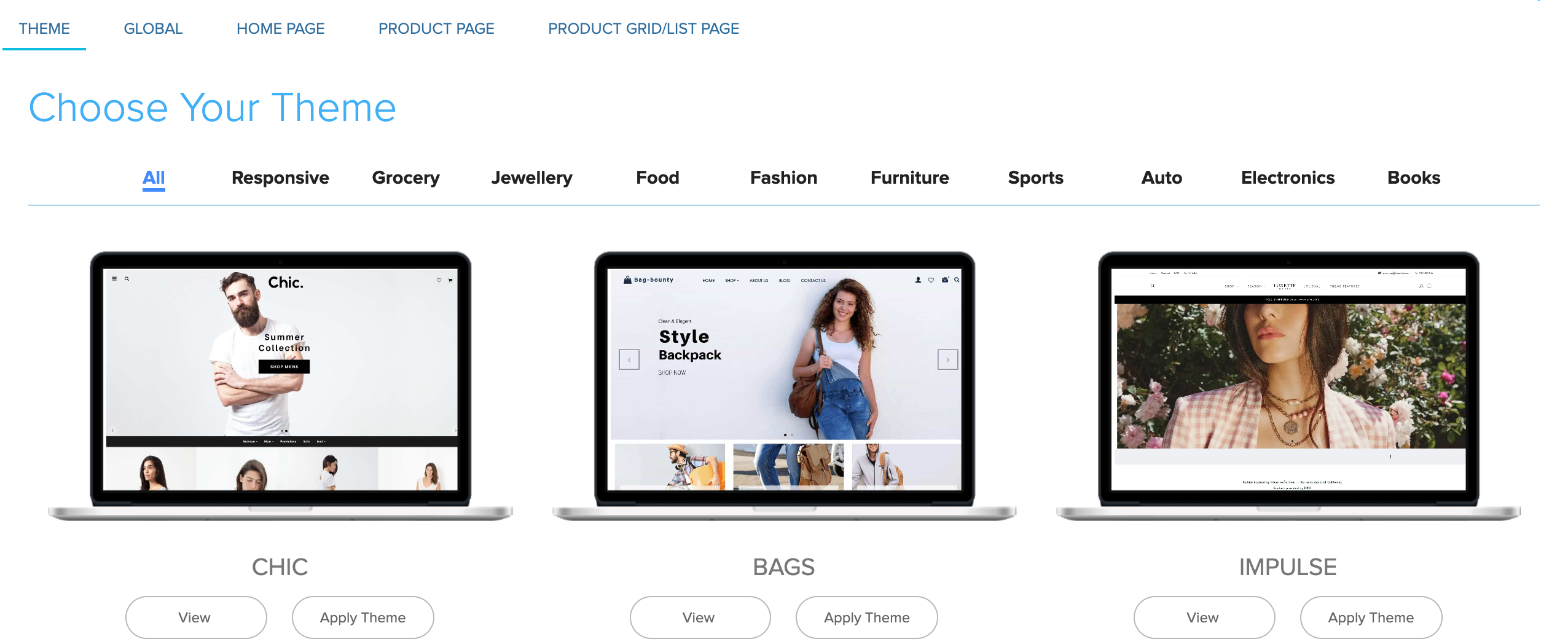
Switch themes without losing your work
About 20 themes, each made for a kind of business. Try a new one any time, and choose what comes with it.
- Keep the widgets you built
- Add the theme's widgets you like
- Take its banners, header and footer, or keep yours
AND THE SMALL THINGS
Settings for how your store works
Example conversation.
LEVEL 5 · LET US DO IT
Not a designer? You don't need to be.
Tell us what you want in your private WhatsApp support group. Our designers and developers make the change, and you check it.
- Theme changes, colours, banners and layout
- Bigger custom work, planned with you step by step
- Custom features and themes for larger businesses

“They are the best technology partners you can find to run an eCommerce business.”Vineet Saraogi · Founder, Kiranawalla.com







Keep exploring
Frequently Asked Questions
Yes. Themes, colours, fonts, banners, widgets, menus and pages are all changed in Store Manager.
Yes. Paste it into the header or footer code, or into an HTML widget or a code page.
You choose. When you apply a new theme, you pick which of your widgets to keep, which of the theme's widgets to add, and whether to take its banners, header and footer.
Yes. Ask in your private WhatsApp support group. Our designers and developers make theme changes for you, and bigger custom work is planned with you.
Make your store unmistakably yours
Try Shopnix free for 14 days. No credit card needed.


